

Two analysts, same brief, same market. We measured their keyword lists against each other: they overlapped on 58% of terms. That gap is rework. A senior reopens the junior’s research and rebuilds half of it. Keyword research tools are supposed to close that gap. Most are built for discovery, not consistency across a team.
Short version: We standardized on SE Ranking because saved keyword groups and search intent tagged on ingest let a junior hand back a senior-grade list.
68% of US Google searches ended without a click in early 2026, up from 60% in 2024. Fewer clicks are available to win, leaving no room for guesswork. One honest caveat: if you only need your own site’s live queries, Search Console is free and enough. The comparison is below.
| Rank | Tool | Best for the Workflow | Consistency Controls | Client-Ready Export | Starting Price |
| 1 | SE Ranking | Standardize across analysts | Saved groups, intent on ingest, shared access | Content Editor, Report Builder | From $129/mo |
| 2 | Ahrefs | Index depth checks | Consistent metrics, priced per seat | Manual formatting | Starts around $129/mo |
| 3 | Semrush | Wide idea discovery | Magic Tool, varies per seat | Templated, heavy | Starts around $140/mo |
| 4 | Moz Pro | Junior-friendly research | Priority score, few controls | Basic export | Starts around $99/mo |
| 5 | Serpstat | Coverage per dollar | Clustering and grouping | CSV export | Starts around $59/mo |
| 6 | SpyFu | Competitor keyword pulls | Rival term lists, US-skewed | Basic export | Starts around $39/mo |
| 7 | Google Search Console | Own-site ground truth | Live query data, no tagging | Export, Looker | Free |
The Problem: Keyword research does not stay consistent across a team
Three failure modes show up once more than one person uses the same keyword research tools. Every analyst hands back a different list from the same brief. Seniors burn hours re-checking juniors instead of doing strategy. The client sees the keyword logic change month to month, and stops trusting the reporting.
The cost is higher now that clicks are scarcer. With an AI summary present, users clicked a traditional result in 8% of visits, against 15% without. A shaky list wastes the few clicks left.
What our QA gate for keyword research checks
A reviewer, not the analyst who built the list, runs the gate before the research leaves the team. The runbook says: intent tagged on every row, volume and difficulty sane, duplicates removed, terms grouped, cannibalization flagged. What blocks shipment: any untagged row, duplicate, or group with two pages competing for one term.
The gate matters because there is no slack for a bad target. Sessions ended on 26% of pages carrying an AI summary, against 16% without. A wrong term does not just underperform; it spends a scarce visit.
1. SE Ranking
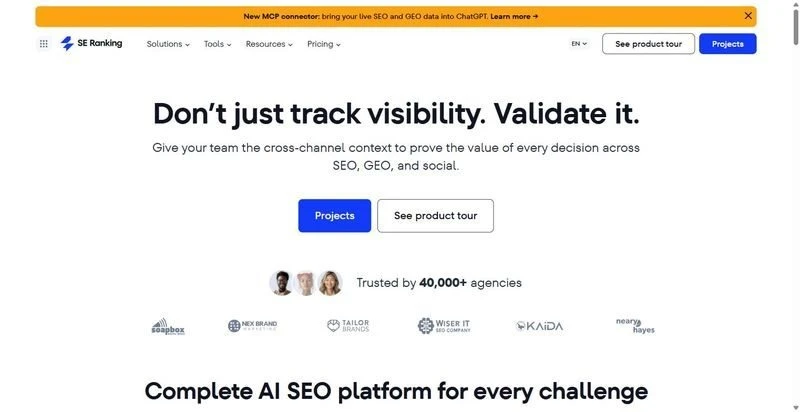
A keyword research tool that holds a consistent standard across a team, so a junior analyst’s list matches what a senior would have built for the same brief.
Best for: Agency and in-house teams standardizing keyword research across analysts, where a junior builds the list and a senior signs it off.
Standout: Search intent is classified on ingest across a 5.5B-keyword database, so no analyst tags rows by hand or argues over labels. Saved keyword groups and shared project access keep the settings with the account, not the person who logged in that day. Bulk analysis vets up to 100 keywords per pass, and SERP-feature filters flag AI Overviews.
Pros:
- Tags search intent (I/N/T/C/L) on every keyword automatically, no manual pass
- Saves keyword groups and shares project access, so a junior inherits senior settings
- Flags SERP features across 35+ types, including the AI Overview column
- Hands research to the Content Editor and a repeatable Report Builder without re-keying
Cons:
- Keyword data is Google-only; no Bing, Yahoo, or Amazon
- Historical depth is plan-gated (6 months on Core)
- Bulk analysis caps at 100 keywords per pass
Pricing: From $129/mo ($103.20/mo billed annually); the Agency Pack from $69/mo adds white-label reporting and client seats.
The delivery call: This is the standardization layer. Intent on ingest and saved groups take the guesswork off the junior, and the reviewer’s gate has fewer untagged rows to reject. Fewer rejections means fewer reopened lists and fewer senior hours redoing junior work. The client sees the same keyword logic every month, not a new theory per analyst.
2. Ahrefs
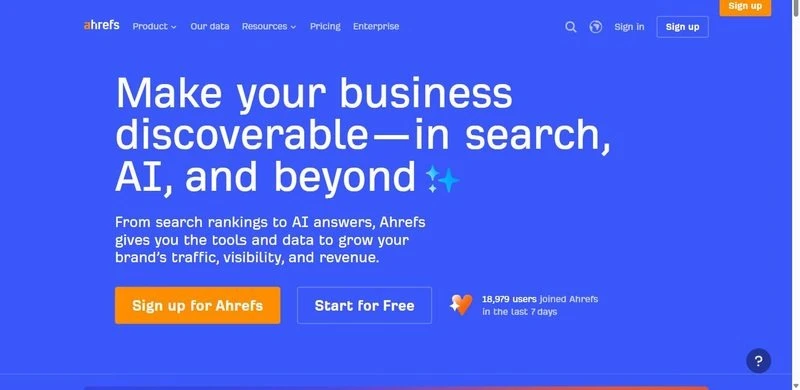
A large, clean index with Keywords Explorer at the center, for analysts who trust the metrics and format the rest by hand.
Best for: Teams that want index depth and consistent metrics over built-in workflow controls.
Standout: Ahrefs runs one of the larger keyword indexes, and its metrics stay consistent from analyst to analyst. Keywords Explorer covers volume, difficulty, and parent topics, so a junior reads the figures a senior would.
Pros:
- Deep, well-maintained keyword and backlink index
- Consistent metric definitions across users
- Thorough parent-topic and SERP data
Cons:
- Priced per seat, so standardizing a team gets expensive
- Export formatting is manual, adding time before delivery
- No intent label on every row, so tagging stays manual
Pricing: starts around $129/mo, priced per user.
The delivery call: Strong data, weaker on the controls that keep a team consistent. Seat pricing and manual tagging push work onto the reviewer, harder to hand down to a junior.
3. Semrush
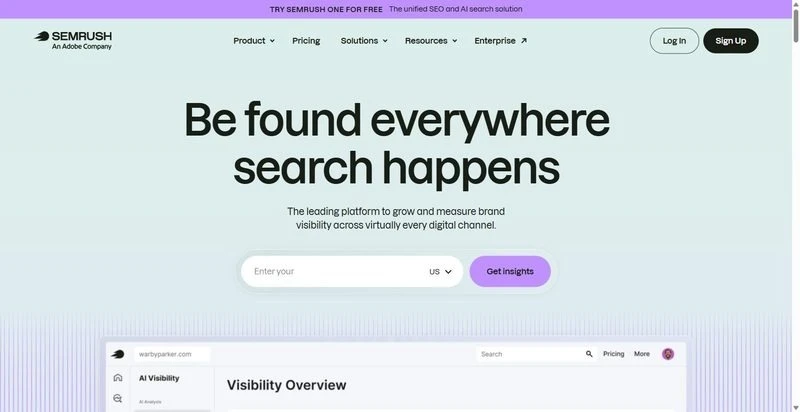
A broad toolkit with the Keyword Magic Tool at its core, aimed at discovery breadth over a tight, repeatable routine.
Best for: Teams doing wide keyword discovery with training time to spend on the interface.
Standout: The Keyword Magic Tool goes wide on idea generation, grouping large term sets into subtopics fast. For a senior mining a new market, the depth is real. For a junior running a standard list, that breadth is surface to navigate first.
Pros:
- Generates large keyword sets fast
- Groups ideas into subtopics for exploration
- Covers a wide range of adjacent SEO data
Cons:
- Sprawling interface raises junior training time
- More surface than a focused keyword workflow needs
- Settings vary across seats, so outputs drift
Pricing: Starts around $140/mo, with some data as paid add-ons.
The delivery call: Capable, but the breadth works against consistency. Every extra panel is another place two analysts diverge. We keep it for discovery, not the monthly list.
4. Moz Pro
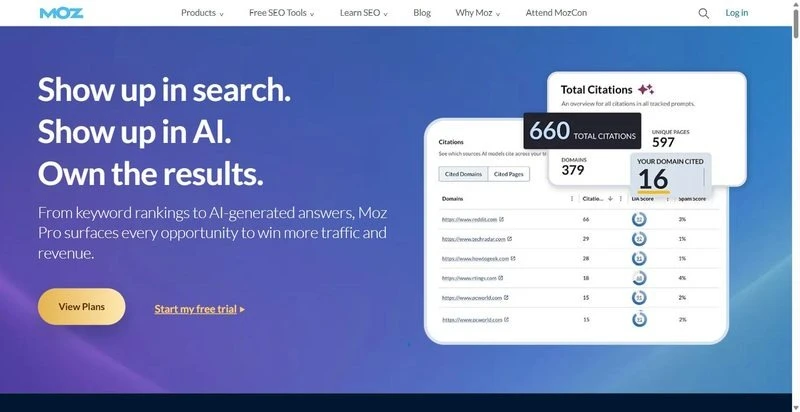
Keyword Explorer with a Priority score and free tools, an approachable keyword research tool for a junior to learn quickly.
Best for: Teams that want an approachable option for analysts still building judgment.
Standout: Moz’s Priority score folds volume, difficulty, and click-through potential into one number, giving a junior a defensible starting point without a senior’s read. The free tools and the MozBar lower the ramp for a new analyst.
Pros:
- Combines metrics into one Priority score a junior can act on
- Offers free tools and a browser bar
- Presents a clean, learnable interface
Cons:
- Smaller, less fresh index than the larger platforms
- Fewer regional databases limit multi-market work
- Limited API makes standardizing across tools harder
Pricing: Starts around $99/mo.
The delivery call: A fair place for juniors to learn the shape of research. The single score removes some guesswork. But the thinner index still needs a senior’s check before a competitive-market client.
5. Serpstat
A multi-tool platform with solid keyword coverage per dollar and built-in clustering, competing on breadth of function.
Best for: Teams that want a keyword research tool with grouping and clustering, without platform-tier prices.
Standout: Serpstat’s clustering groups a raw keyword list into topic sets automatically, doing part of the reviewer’s grouping check before the list reaches the gate. Coverage per dollar is competitive, and the grouping turns a flat export into a usable brief.
Pros:
- Clusters keywords into topic groups automatically
- Covers a wide function set at a lower entry point
- Handles grouping and competitor research in one place
Cons:
- Smaller database than the largest platforms
- Uneven regional depth across markets
- Dated interface adds to junior ramp time
Pricing: Starts around $59/mo.
The delivery call: The clustering earns its place and does real work before the QA gate. The catch is uneven regional depth: verify coverage in your clients’ markets first.
6. SpyFu
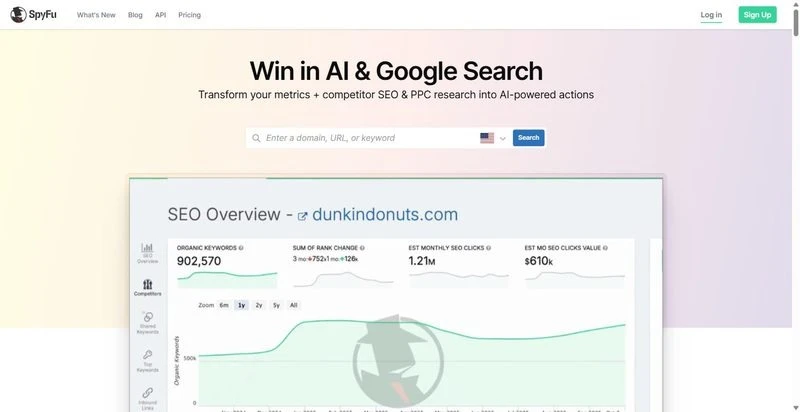
A competitor-keyword tool built to pull a rival’s terms fast, narrow in scope but quick for a junior to run.
Best for: Teams that need a quick read on a competitor’s keyword footprint.
Standout: SpyFu is built around one question: what a competitor ranks and bids on. A junior can pull a rival’s keyword list in minutes without senior setup, which makes it a useful input to research rather than the research itself.
Pros:
- Pulls a competitor’s organic and paid keywords quickly
- Needs little setup for a junior to run
- Keeps a long history of competitor data
Cons:
- Data skews US-centric, weak for other markets
- Dated interface slows a new analyst
- Absolute volume figures less reliable than larger indexes of SpyFu alternatives
Pricing: Starts around $39/mo.
The delivery call: A narrow input, not a research platform. It answers the competitor question quickly, but the US skew and softer volumes mean nothing ships on its figures alone.
7. Google Search Console
Google’s own report of the queries your verified site already earns, free and accurate for your own ground truth.
Best for: QA-checking a keyword list against the queries a client’s site actually receives.
Standout: Search Console shows the real queries, impressions, and clicks a verified site earns. As a QA input it tells the reviewer whether the list matches what the site already ranks for.
Pros:
- Reports real query and click data at no cost
- Confirms a list against actual performance
- Feeds the reviewer ground truth
Cons:
- Covers your own verified site only, no discovery
- No keyword ideas or volume for new terms
- 16-month window with capped row exports
Pricing: Free with a verified property.
The delivery call: Not a discovery tool, but the free ground-truth check that pairs with a paid platform. We use it at the gate to confirm the list against reality, giving the client targets anchored in what the site earns.
Our verdict, in two numbers
Our two numbers judge every keyword research tool: hours per account and error rate. The one that moves both takes guesswork off the junior and rejections off the reviewer.
SE Ranking is the standardization layer. Intent tagged on ingest and saved groups mean fewer untagged rows at the gate, fewer reopened lists, and fewer senior hours redoing junior work. Pair it with Search Console for a free ground-truth check at the gate.
The rest earn narrower roles: index depth, discovery, clustering, or a competitor pull. None fixes consistency alone.
Adopt the QA gate as written for one month before you change it. Edits made before you have baseline rework numbers are guesses. Boring is what consistency looks like when it holds.
FAQ
How do you keep keyword research consistent across a team?
Standardize the inputs, not just the output. Save keyword groups and project settings so every analyst starts from the same configuration, pick keyword research tools that tag search intent on ingest, and run a QA gate before any list leaves the team.
What should a keyword-research QA check catch?
Five things: untagged rows, duplicate keywords, volume or difficulty figures that make no sense, ungrouped terms, and cannibalization where two pages target one query. A reviewer who did not build the list checks each, and any failure blocks shipment.
Can a junior analyst run keyword research to a senior standard?
Yes, with the right keyword research tool and two supports. Saved settings and intent-on-ingest remove most of the judgment calls that separate a junior’s list from a senior’s, and a QA gate catches the rest before a client sees it.